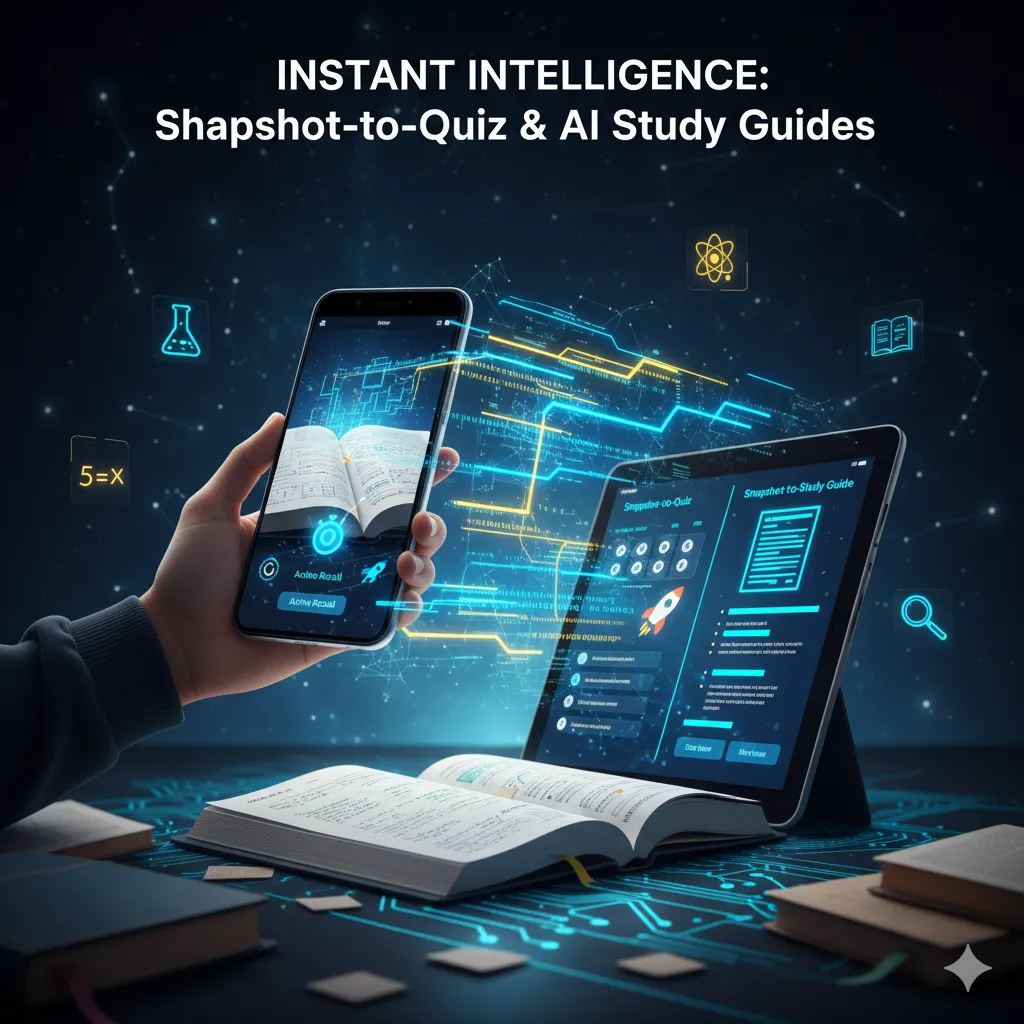
AI Study Guides: Ten Short Slides and a Quick Check on Each
By Qwizflow Team
20 March 2026
· 3 min read
What a Study Guide Is
A Qwizflow study guide — the Study Quest — is ten short slides on one topic. Each slide explains one idea in three or four sentences and ends with a Quick Check: a question to answer in your head before you reveal the answer. You move through the slides one at a time, and you can download the finished guide as a PDF.
What the Ten Slides Cover
The first five build the idea: what it is and why it matters, the core principles, how the parts connect, a worked example, and one deeper or surprising point. The second five put it to work: where it shows up in everyday life, solving a problem step by step, the common mistakes and how to avoid them, how it links to related topics, and a summary of the key takeaways.
Listening Instead of Reading
On any slide, tap Listen as podcast and two voices, Scout and Sage, talk that slide through as a short conversation. Younger learners get a speaker button on each slide that reads it aloud.
From Your Own Notes
From 13, you can upload your own study material — a PDF or a photo of a page — and turn it into a study guide, a quiz or a set of flashcards. A PDF is read on Qwizflow's own servers. The text in a photo is read by Microsoft Azure AI Vision in Australia East, which does text recognition only and does not keep the image. Learners under 13 cannot upload files.
After the Guide
When you have been through the slides, take the topic's quiz to check what stuck. Your answers become a mastery score, and that score decides whether the next topic on your path opens.
FAQ
What is in a Qwizflow study guide?
Ten short slides on one topic. Each explains one idea in three or four sentences and ends with a quick-check question, and together they run from what the idea is to the common mistakes and a summary.
Can I make a study guide from my own notes?
Yes, from age 13. Upload a PDF or a photo of your notes and Qwizflow turns it into a study guide, a quiz or a set of flashcards. Learners under 13 cannot upload files.
Who reads the text in a photo I upload?
Microsoft Azure AI Vision, in Australia East. It reads the printed or handwritten text and does not keep the image or the text afterwards. A PDF is read on Qwizflow's own servers instead.
Can I listen to a study guide?
Yes. Tap Listen as podcast on a slide and two voices, Scout and Sage, talk it through. Younger learners get a speaker button that reads each slide aloud.